WordPress plugin
Easy Accordion Pro
Easy Accordion Pro helps you present FAQs and other expandable content on WordPress sites and WooCommerce stores. Use it for product questions, text and image accordions, media sections, post accordions, and sidebar accordions. Start with a ready-made pattern or your own content, generate FAQs with AI, personalize the presentation, and publish.
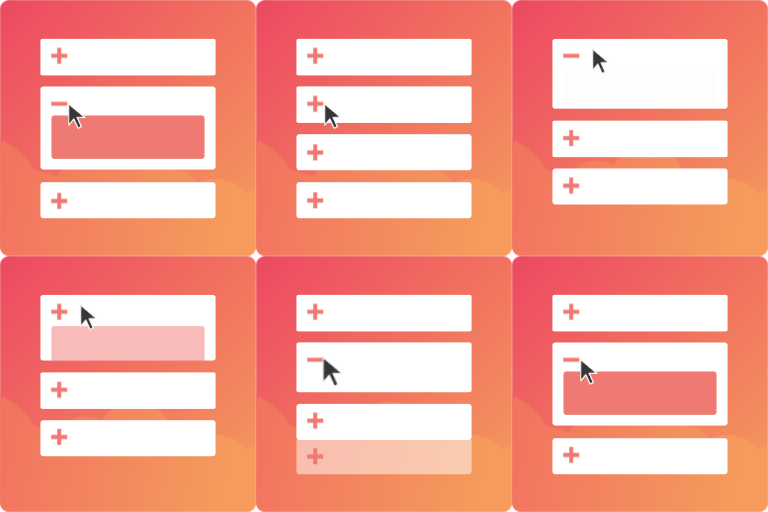
Easy Accordion Pro helps you present FAQs and other expandable content on WordPress sites and WooCommerce stores. Use it for product questions, text and image accordions, media sections, post accordions, and sidebar accordions. Start with a ready-made pattern or your own content, generate FAQs with AI, personalize the presentation, and publish.
Organize FAQs and dynamic content
Group FAQs by category, or use the advanced query builder to show dynamic content such as the latest posts and WooCommerce products. Show post details, including author, category, and date, where appropriate.
Choose layouts and entry controls
Use timeline or Q&A arrangements, or number items with standard numerals, Roman numerals, or letters. Set content positions, add prefix or suffix badges to titles, and customize featured icons and buttons. Collapsed items can show their icons and titles. Selected items can stay open or be hidden.
- Create shareable anchor links for individual items, link accordion titles to URLs, or make the icon, title, or full header clickable.
- Add a quick close button and scroll the active accordion to the top when an item is toggled.
- Use smooth animations and transitions, or present content in an accordion slider with hover effects.
- Control featured pictures and product attributes, adjust image focal points, and flip images. The image lightbox includes more than 15 icons and image effects.
Help users find and submit questions
Ajax live search helps visitors find matching questions within an accordion. Ajax pagination supports larger collections, and frontend category filters let visitors narrow FAQs by topic. A customizable “Toggle All” button lets visitors open or close multiple items.
FAQ forms let visitors submit questions below an FAQ section, which can help you identify topics that need more content. Real-time analytics show which FAQs are popular and can help guide updates.
Adjust the display for each device
Set responsive breakpoints for desktop, tablet, and mobile, and have horizontal layouts switch to vertical on mobile. Choose click, hover, or autoplay activation; set the initial display state; and choose toggle icons with rotation settings.
Use with your WordPress setup
FAQ schema markup is available as structured data for FAQ content. Easy Accordion Pro supports multisite and right-to-left layouts and works with Gutenberg, Elementor, Classic Editor, WooCommerce, and popular page builders.
Create and publish an accordion
Install and activate Easy Accordion Pro, then make an FAQ or accordion with the builder and available patterns. Add or generate content, select a layout and display settings, adjust responsive and interaction controls, and publish the section on your site.


