WordPress plugin
ALL ACCESS MEMBERSHIP
Order Status Control for WooCommerce lets shop administrators pick when orders move to completed. WooCommerce normally completes downloadable products automatically; virtual products do not receive the same default treatment.
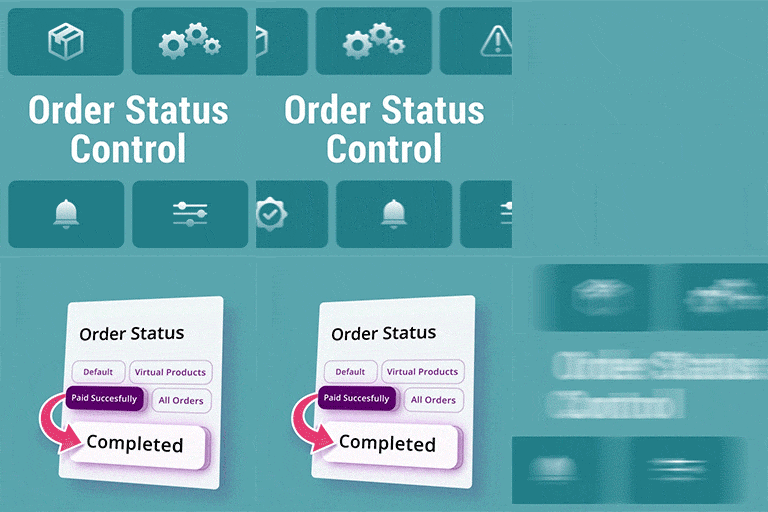
Order Status Control for WooCommerce lets shop administrators pick when orders move to completed. WooCommerce normally completes downloadable products automatically; virtual products do not receive the same default treatment.
Choose an order completion method
Find the Order Status Control option under WooCommerce > Settings > General and select the rule that matches the shop's order flow.
- Default WooCommerce order method: Keep standard WooCommerce order behavior.
- Orders containing only virtual products: Complete orders with virtual products and no physical products. Orders containing physical products fall outside this rule.
- Orders that have paid successfully: Complete orders after successful payment, whether they contain virtual or physical products.
- All orders: Change the status to completed when the customer reaches the thank-you page, regardless of the products or payment method, including offline payment.
Install and configure the plugin
- In the WordPress Dashboard, open Add New Plugin.
- Search for Order Status Control, install it, then activate it.
- Go to WooCommerce > Settings > General, locate Order Status Control, and pick a completion method.
ALL ACCESS MEMBERSHIP unlocks all 19 premium WooCommerce extensions through one club membership, including Order Status Control for WooCommerce.


