WordPress plugin
Custom Order Status Manager for WooCommerce Premium
Custom Order Status Manager for WooCommerce Premium lets stores organize orders around their own handling steps. Create unlimited custom statuses, edit existing ones, or remove statuses that are no longer needed.
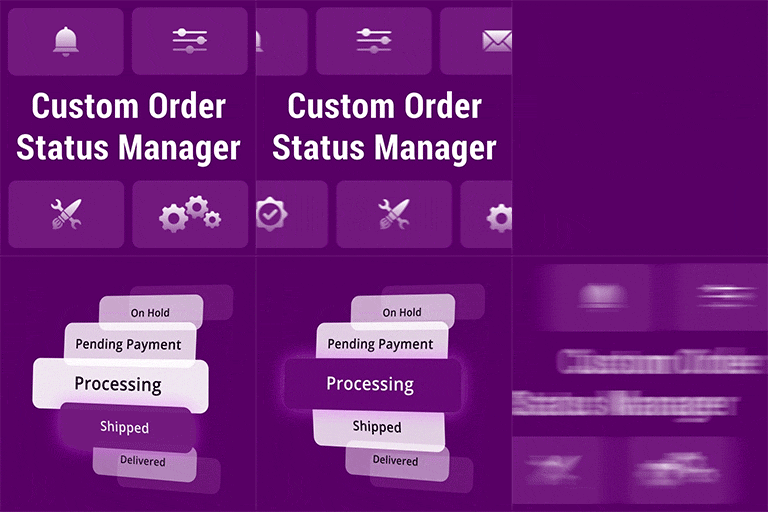
Custom Order Status Manager for WooCommerce Premium lets stores organize orders around their own handling steps. Create unlimited custom statuses, edit existing ones, or remove statuses that are no longer needed.
Create and identify order statuses
Give each status a label, icon, or text color to make it easier to recognize in the order list. Add a status column to that list so staff can review order progress without opening each order. For example, a made-to-order store could track production, quality checks, and dispatch; a service business could use received, scheduled, in progress, and completed.
Set payment defaults and notifications
Choose default statuses for payment methods, including default and third-party methods, to set how orders enter the workflow. Email notifications can be enabled for clients or administrators for custom statuses.
Premium process utilities
- Set automatic custom status transitions based on time intervals.
- Display order information in WooCommerce Reports.
- Increase or decrease stock levels according to order status changes.
Create a custom status
After activating the extension, go to WooCommerce > Order Status and select Add New. Enter a status title and a unique slug, then publish it. Configure its label, icon, or text color as needed.
Enable an email template
Go to WooCommerce > Settings > Email, choose the template for the custom status, enable it, and save your changes. Payment defaults, notifications, timed transitions, reporting, and stock behavior can then be set to fit the store's workflow.