WordPress plugin
Timeline Widget Pro
Timeline Widget Pro is a paid timeline widget for Elementor. Use it to arrange chronological stories or blog posts on a page, with entries for company histories, project roadmaps, career paths, product stages, event schedules, tutorials, or personal journeys. Elementor must be installed and active to use the widget.
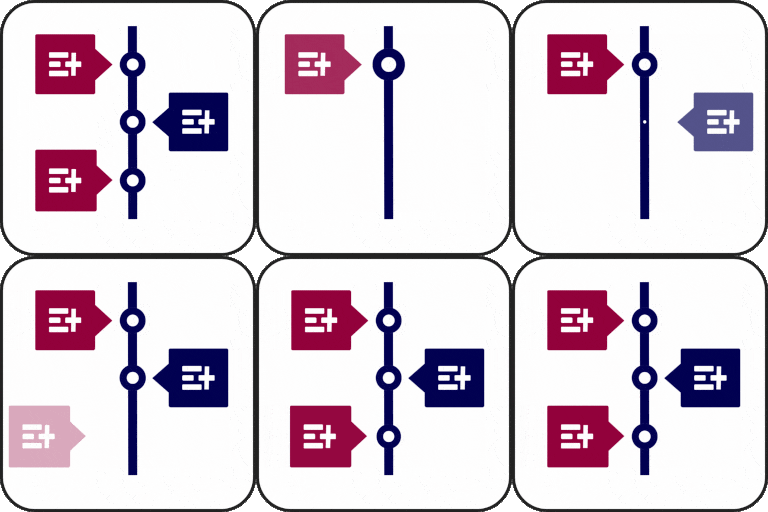
Timeline Widget Pro is a paid timeline widget for Elementor. Use it to arrange chronological stories or blog posts on a page, with entries for company histories, project roadmaps, career paths, product stages, event schedules, tutorials, or personal journeys. Elementor must be installed and active to use the widget.
Choose a layout and style
Arrange entries in vertical, horizontal, or one-sided layouts. Preset styles such as elegant, minimal, and classic give you a starting point. Adjust typography, colors, spacing, backgrounds, and borders, then align text and media to the left, right, or center. You can also assign custom colors to individual stories.
Build entries from stories or posts
Add custom stories with labels such as dates, years, event names, or step numbers. Timeline markers can use Font Awesome icons, custom text, or images. For a blog post timeline, display posts in a chronological layout. Entries can also include pictures, videos, or slideshows.
Set animation and loading
Choose from more than 15 animation effects, including fade-in, flip-up, and zoom. Ajax Load More loads additional stories as users scroll, allowing longer timelines to appear progressively.
Ideas for a timeline
- Show company achievements, historical events, or a brand story.
- Map project phases, product development, and roadmap plans.
- Present work experience for a resume or portfolio.
- Lay out a tutorial, process, event schedule, or program phases.
- Share career paths, personal milestones, or achievements.
Add the widget to a page
Install and activate the paid timeline extension and Elementor, then open a page in Elementor and drag the widget into place. Choose a layout or preset, add entries, and configure their labels, markers, colors, typography, alignment, animation, and media. Put entries in chronological order, preview the page across screen sizes, and publish when ready. The widget is described as responsive and compatible with WordPress themes.


