WordPress plugin
YITH WooCommerce Tab Manager Premium
YITH WooCommerce Tab Manager Premium lets you organize information on WooCommerce product pages in custom tabs. Create tabs for all products, selected products, or products in specific categories, so each page can show details that apply to that item or range.
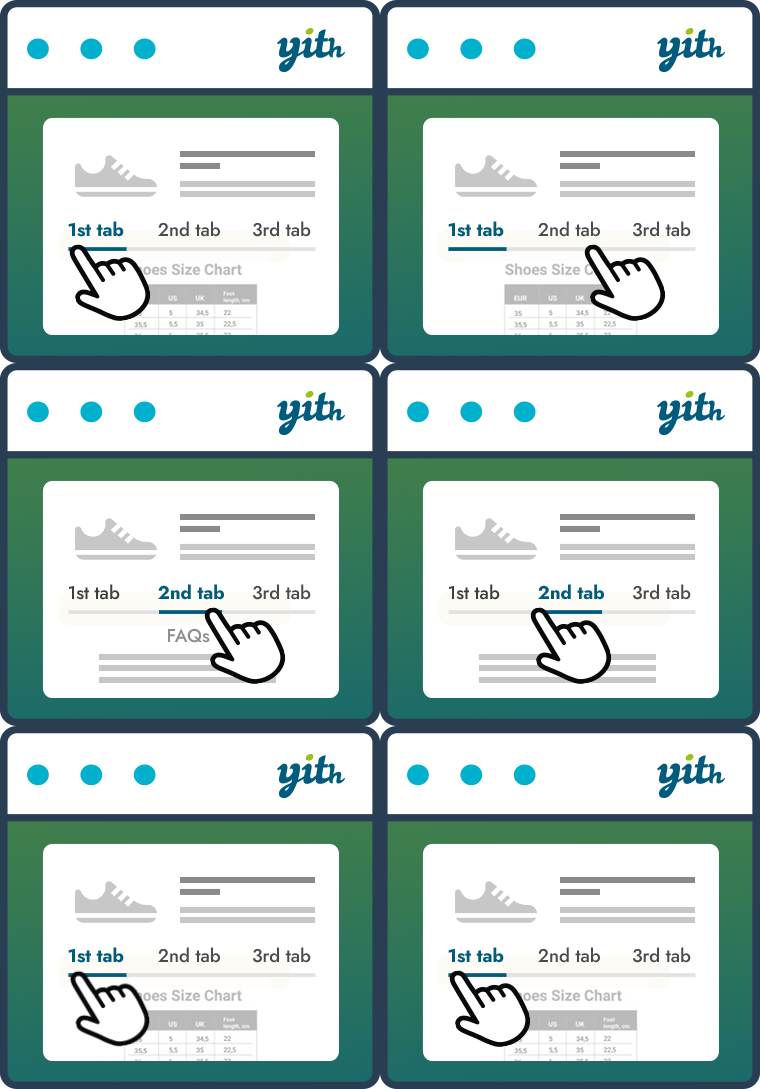
Put product details in their own tabs
YITH WooCommerce Tab Manager Premium lets you organize information on WooCommerce product pages in custom tabs. Create tabs for all products, selected products, or products in specific categories, so each page can show details that apply to that item or range.
Use the built-in editor to format text, add pictures, and insert shortcodes. Premium tabs can also contain picture and video galleries, FAQs, contact forms, downloadable documents, or a Google map related to your products.
Choose which tabs each product shows
Disable standard WooCommerce tabs such as Description, Additional information, and Reviews, then sort the remaining tabs with drag and drop. You can also override the content of standard WooCommerce tabs for individual products.
Custom icons help identify tabs, and color controls let you adjust elements inside them. Tabs can be hidden on mobile devices, including smartphones and tablets, when their content is better suited to a larger screen.
Set up product tabs
Install the plugin on a WordPress website using WooCommerce. Create global, category-based, or product-specific tabs, add and format their content, and choose any galleries, forms, files, maps, icons, or shortcodes you need. Arrange the tabs, configure the default WooCommerce tabs, and set colors and mobile visibility for the product pages.
Compatibility with every WordPress theme cannot be guaranteed. Themes developed according to WordPress and WooCommerce guidelines are generally compatible, and compatibility is granted with themes developed by YITH.