WordPress plugin
Korea SNS Pro
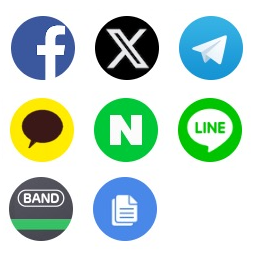
Korea SNS adds sharing buttons for services used in Korea alongside Facebook, Twitter, and Telegram. The supported services are Facebook, Twitter, Telegram, KakaoTalk, Naver Line, Naver Band, and Naver Cafe.
Social sharing on WordPress posts and pages
Korea SNS adds sharing buttons for services used in Korea alongside Facebook, Twitter, and Telegram. The supported services are Facebook, Twitter, Telegram, KakaoTalk, Naver Line, Naver Band, and Naver Cafe.
Choose the button order
Korea SNS Pro lets you control the sequence of the share buttons. Arrange the available services to suit your audience, such as placing KakaoTalk or a Naver service earlier in the row.
Set button placement
In the add-on options, pick whether buttons appear before or after post or page content. To place them at a specific point in an article, add the shortcode [korea_sns_button] where you want the buttons to appear.
Install and configure
- Find and install Korea SNS from the WordPress dashboard, then activate it from the Plugins menu.
- Open the Korea SNS settings, choose a button position, and enter a Kakao API key.
- Set the share-button sequence with Korea SNS Pro. Add [korea_sns_button] to an article when you want a specific placement.
- Save the options and check a post or page to confirm the buttons appear in the intended position and order.